
A load board and a TMS solve different problems. A load board helps forwarders find carriers and helps carriers find freight. A transport management system, or TMS, helps a team organise the work before and after that search.
The choice is rarely about replacing one with the other. It is about knowing where market search ends and day-to-day transport management begins.
Moveniq also has its own load board. That is one part of the system. Its main value is in the work around each job: less repeated typing, linked orders and a shared view for colleagues. You can benefit from Moveniq while continuing to use the load boards that already work for your team.
TMS and load boards compared
| Daily task | Load board | TMS |
|---|---|---|
| Find freight or capacity | Shows opportunities from the wider market | Keeps the job and its details ready for action |
| Share a load | Publishes the load within that marketplace | May share a reviewed load through supported connected channels |
| Compare responses | Provides replies using the tools available on that board | Connects replies and decisions with the working load record |
| Plan the transport | Helps find a possible match | Organises orders, trips, vehicles, drivers and related documents |
| Make the final decision | The dispatcher checks timing, equipment, capacity, price and all agreed conditions | |
Load boards differ. Some include messaging, documents or other workflow tools. Check the board you actually use rather than assuming that every platform works in the same way.
Use a load board when you need market reach
A forwarder may have a confirmed load but no suitable carrier in the usual contact list. A carrier may have a vehicle returning empty and need work in the right direction. A load board brings these needs into a marketplace.
That reach is its main value. It can expose an urgent request to more transport companies or show a carrier work outside its regular customer base.
A match is only a starting point. A reply does not prove that the vehicle is suitable, that the driver can meet the times or that the rate covers the work. The dispatcher still checks the complete offer before making a commitment.
Use a TMS when the opportunity becomes a job
Once somebody responds, the team needs more than a promising match. It needs the latest loading details, the agreed equipment, the price under discussion, the documents and a clear next action.
This is where a TMS helps. Instead of rebuilding the story from separate emails and notes, colleagues can work from the same record. A dispatcher starting the next shift can see what was requested, who replied and what still needs a decision.
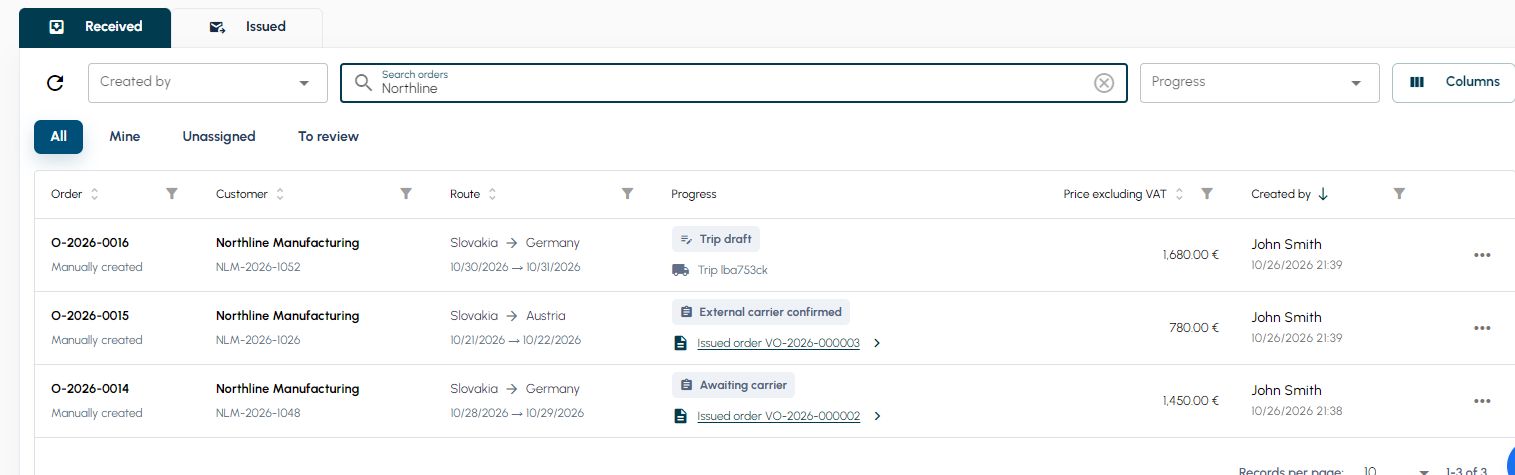
A TMS is especially useful when several people handle the same load, when customer instructions change or when replies arrive through more than one channel. It does not create capacity by itself. It gives the team one place to check the job before choosing a carrier.
How the forwarding workflow works in Moveniq
A forwarder can upload a freight-offer document to Moveniq. AI reads the available route, dates, cargo, vehicle requirements and price, then prepares a load draft. The dispatcher compares the draft with the document and corrects anything unclear before publication.
This is a document-to-load workflow. It does not automatically read a forwarded email with its attachments or archive every original source item. Receiving carrier orders through a company order mailbox is a separate workflow.
After checking the load, the forwarder can share it through supported freight portals and with selected contacts or recipient groups. Available channels depend on the company’s connected services and on Moveniq Bridge where it is required. The forwarder chooses where to publish. Moveniq does not select a carrier or guarantee a response.
Loads, enquiries, carrier responses, conversations, partner details and relevant documents can remain in the shared forwarding workspace. The dispatcher then compares the replies and decides which carrier, if any, should continue.
A simple forwarding example
Imagine a simple example. A customer needs to move eight pallets from Brno to Rotterdam and sends the shipment details to a freight forwarder.
- The forwarder uploads the document to Moveniq and checks the recognised route, dates and cargo details. Any missing information is clarified with the customer.
- Once the details are clear, the forwarder posts the load on a supported load board or sends it to selected contacts. The aim is to find a carrier to carry out the transport.
- Carriers respond with their price and available vehicle. The forwarder checks which carrier has suitable equipment and can meet the times.
- The forwarder agrees the price and transport conditions with the chosen carrier. A colleague taking over the job then needs access to those agreed details.
In this example, the load board helped find a carrier. Moveniq helps keep job details, communication and related orders together, so the team does not have to retype the same information or search for it again.
What changes for a carrier
A carrier often starts with a planned trip rather than a customer load to publish. The dispatcher knows the route, vehicle combination, driver and remaining capacity, then looks for suitable additional work.
Once a customer sends a transport order, check the stops, dates, cargo and agreed price before approving it. In Moveniq, the approved order can prefill a trip; the dispatcher still chooses the vehicle combination and checks the plan.
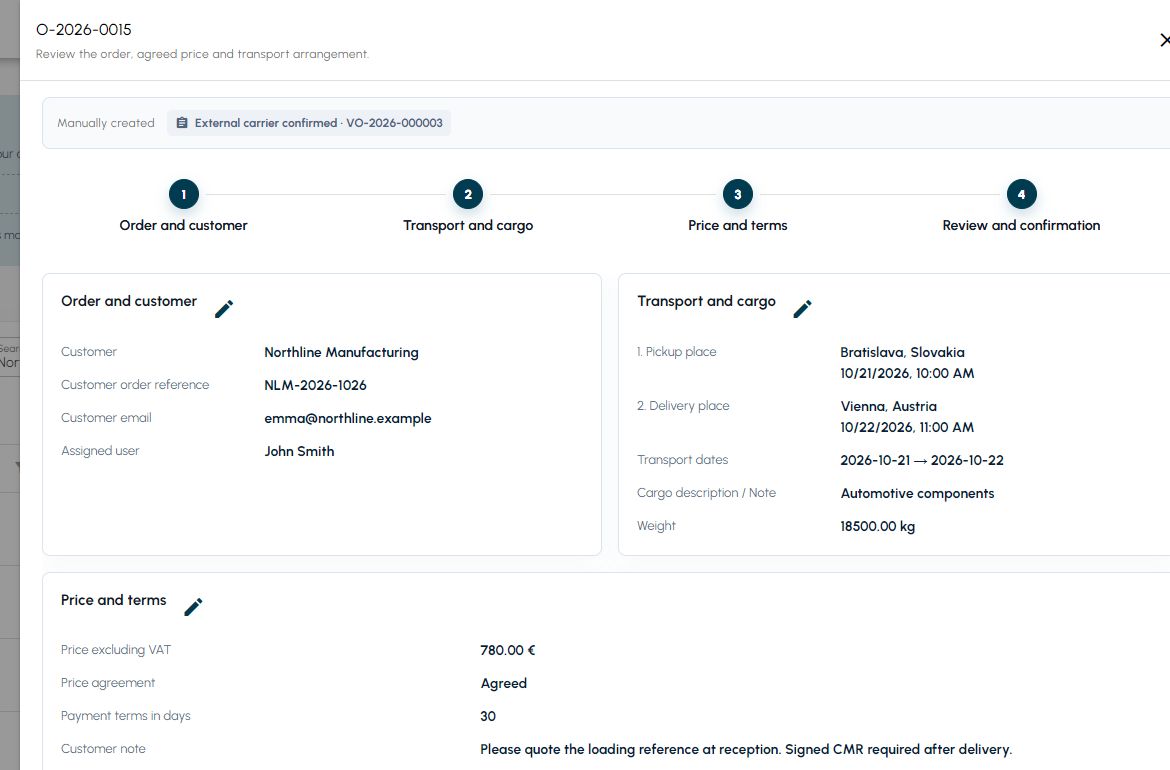
Moveniq’s Backload Planner can search for opportunities along an already saved trip, using its route and remaining capacity. It does not book a load automatically or guarantee that the return journey will be filled.
The dispatcher checks the detour, collection and delivery times, available space and weight, equipment, driver plan and price. Only then can the extra load be added to the plan.
When do you need one tool or both?
A load board may be enough when one person handles a small number of simple jobs and the team already has a reliable way to manage documents, changes and handovers.
A TMS becomes more useful when data is entered repeatedly, several colleagues share responsibility or a carrier must compare new work with existing trips and capacity.
Many dispatch teams need both. Use the load board to reach the market. Use the TMS to check and run the work around the opportunity. Keep the final choice with the dispatcher who understands the route, vehicle, timing and commercial terms.